SwiftUI
ViewThatFits for Adaptive Layouts
You've read thisViewThatFits tries several view options in order and shows the first one that fits the available space.
ViewThatFits {
    HStack { icon; label }
    label
}
It is a simple way to make layouts adapt without a lot of measurement code.
More detail
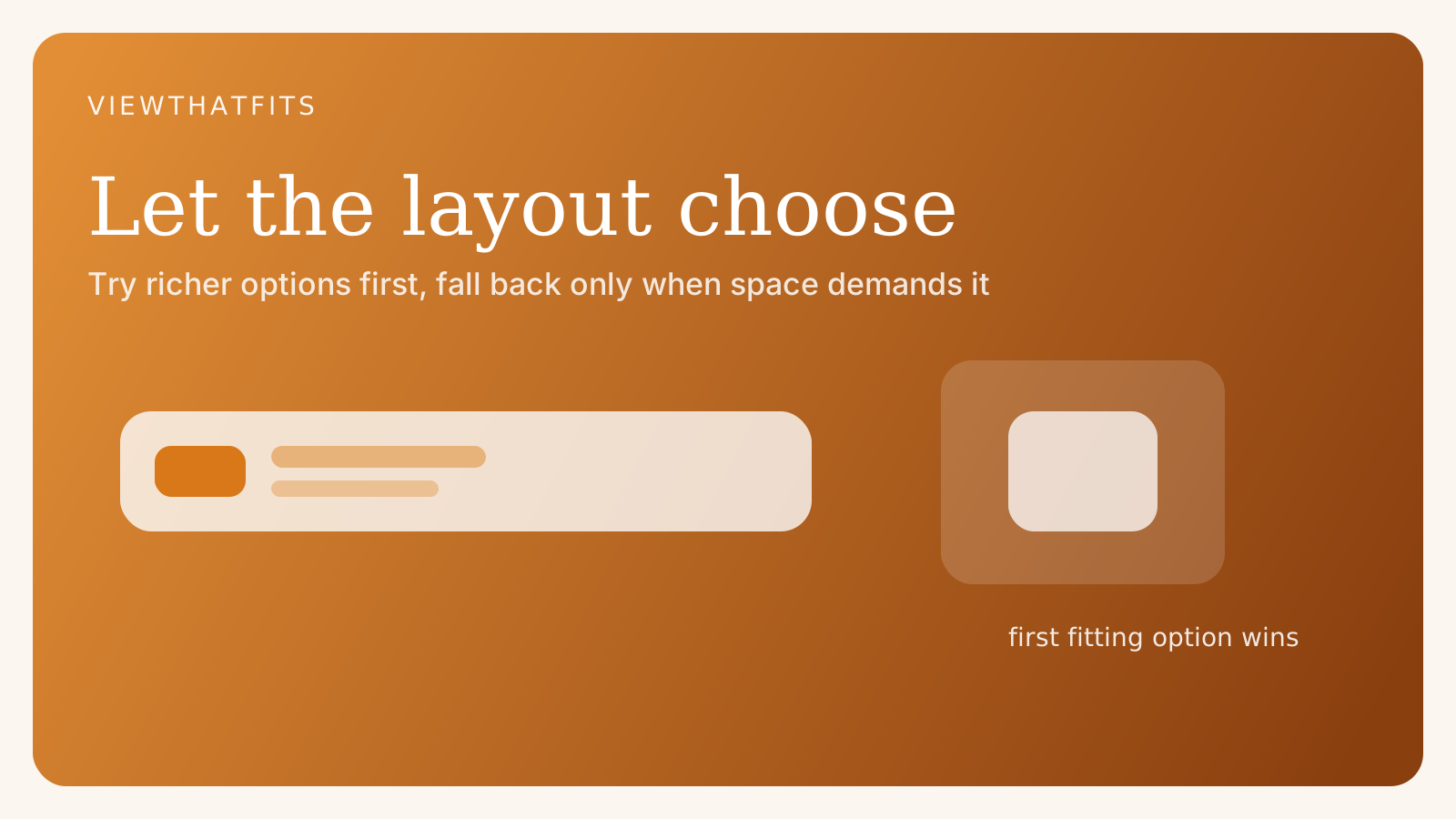
This is especially useful when you already know a few reasonable layout options.
Examples:
- a full button label and a shorter fallback
- a horizontal card layout and a stacked alternative
- a richer toolbar item and a compact backup
Instead of measuring and branching manually, you declare preferred options and let SwiftUI choose.
That keeps the code focused on candidate designs rather than on procedural layout logic. You write the views you want to offer, in order of preference, and SwiftUI handles the selection based on what fits.
This can make adaptive UI much easier to maintain. Instead of one large view with many size-dependent conditionals, you can express a handful of coherent alternatives.
It also encourages better design discipline because each candidate layout has to stand on its own rather than being a partially broken fallback.
Deep dive
ViewThatFits is interesting because it nudges adaptive layout toward composition rather than condition-heavy logic.
That has a design benefit as well as a code benefit. Each candidate layout can be expressed clearly as its own view structure, which is often easier to tune and maintain than a single layout overloaded with size checks.
It will not replace all geometry-based layout work, but for many responsive UI problems it is the cleaner abstraction.
One useful mindset is to think of ViewThatFits as a priority list of experiences. The first candidate is the ideal expression, and the later candidates are increasingly compact accommodations. That makes the design intent explicit in code.
This can also improve collaboration between design and engineering. Instead of translating vague breakpoint logic, the implementation can directly encode a few agreed layout variants and let the system decide between them.
There are limits, of course. If the layout depends on complex measured relationships, custom Layout, GeometryReader, or anchor preferences may still be the right tools. ViewThatFits is not a replacement for every layout technique.
But it shines when your real problem is simpler: several good options, one space constraint, and a desire to keep the code elegant. In those cases it often feels more “Swifty” than manual branching.
That is why it stands out as a small but powerful API. It encourages thinking in adaptable view compositions instead of procedural layout exceptions.
Finished the deep dive?
You made it to the end.
Mark this bite as read once you have worked through the full piece. It is a small way to keep track of what you have genuinely finished.
More in this area
Keep the thread going.
Jump sideways into the related ideas that sit closest to this piece and keep the same mental context alive.