SwiftUI
Understanding PreferenceKey in SwiftUI
You've read thisPreferenceKey is how a child view can send information upward to an ancestor in SwiftUI.
That is useful when a parent needs layout information that only a child can measure.
struct WidthPreferenceKey: PreferenceKey {
    static var defaultValue: CGFloat = 0

    static func reduce(value: inout CGFloat, nextValue: () -> CGFloat) {
        value = max(value, nextValue())
    }
}
The common pattern is: measure in the child, publish with .preference, then observe in the parent.
More detail
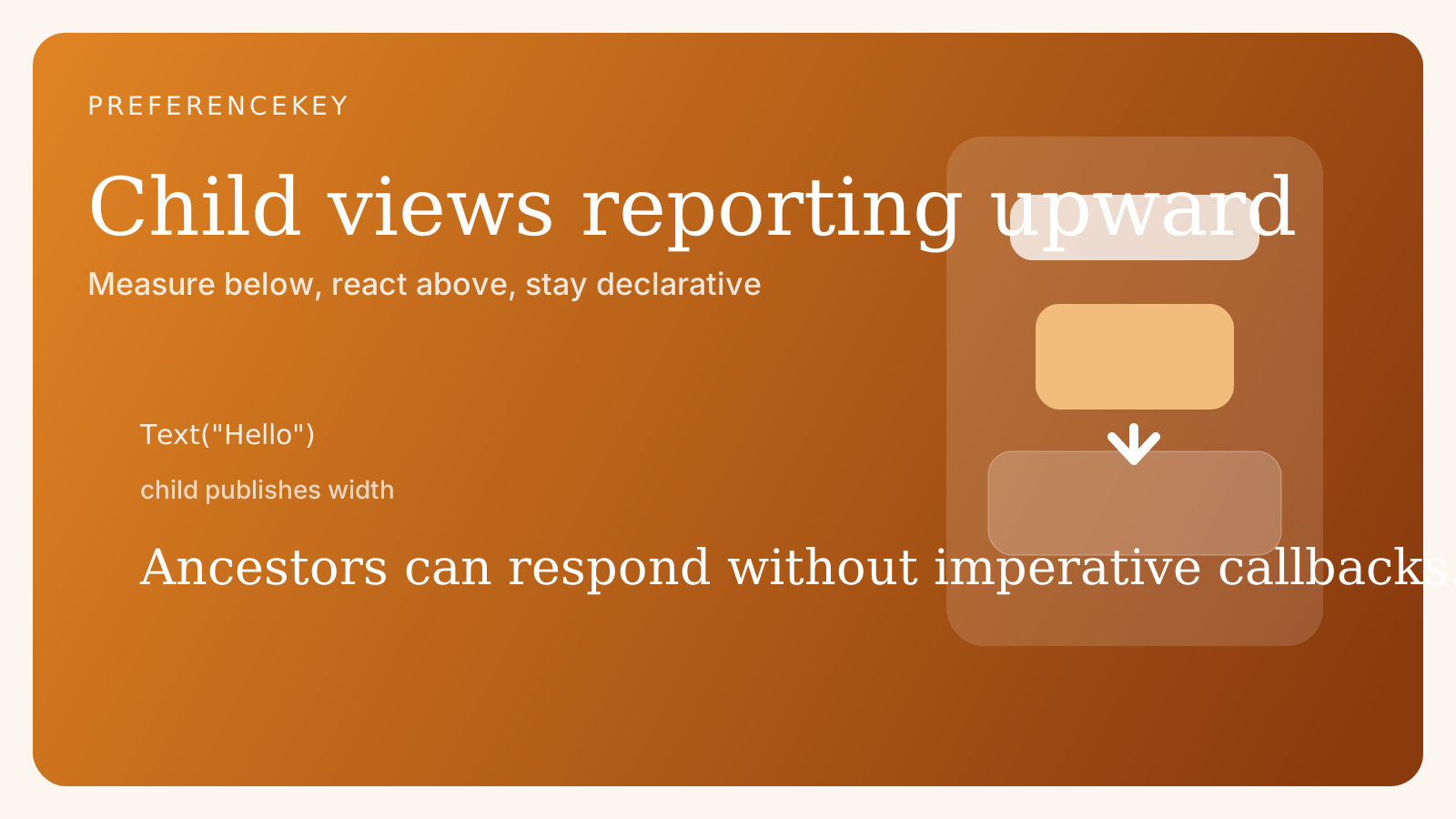
SwiftUI normally flows data downward. Parents own state, and children render from it. PreferenceKey deliberately handles the opposite direction.
You usually reach for it when a child knows something a parent needs:
- measured size
- scroll position
- bounds or anchors
That keeps the layout system declarative. The parent is not poking into children directly. Instead, children publish values and the framework combines them.
This is what makes PreferenceKey feel unusual when you first encounter it. It looks like the child is suddenly influencing the parent, which seems backwards compared with the usual SwiftUI mental model. In reality, SwiftUI still stays declarative because the child is only publishing a value, not directly mutating ancestor state.
That distinction is important in layout-heavy interfaces. A parent might need to know the tallest child, the current scroll offset, or the bounds of a nested item. Without a mechanism like preferences, that kind of coordination would quickly become awkward or brittle.
It is also a tool you usually introduce sparingly. If a design starts depending on preferences everywhere, that can be a sign the view hierarchy is doing too much cross-level coordination. Used carefully, though, it solves a very real class of problems cleanly.
Deep dive
The important part of a preference key is not just the type, but the reduction strategy. Multiple descendants can emit values for the same key, and SwiftUI needs a rule for combining them.
That is why reduce exists. Depending on the problem, you might keep the largest value, append into an array, or preserve the most recent result.
This makes PreferenceKey especially useful for advanced layout coordination. It is one of the few built-in mechanisms for sending structural information upward without abandoning SwiftUI’s intended data flow model.
Reduction strategy is where many subtle bugs appear. If several children emit values and your reduce logic is naive, you can accidentally overwrite useful information or introduce order-dependent behavior. Thinking carefully about how multiple values should combine is part of using preferences well.
Another useful way to think about preferences is that they are not business-state tools. They are structural communication tools. They work best for geometry, anchors, and layout-related signals rather than general application data flow.
That matters because SwiftUI already has strong solutions for normal state propagation. If you reach for PreferenceKey to pass ordinary data around, the code often becomes harder to follow than using environment, bindings, or observable models. Preferences are most valuable when the information is emerging from the rendered hierarchy itself.
In advanced interfaces, preferences can become the glue between local measurement and high-level layout behavior. Sticky headers, synchronized indicators, scroll-aware chrome, and dynamic container sizing often rely on this pattern somewhere under the hood.
So while PreferenceKey looks small, it occupies an important niche in SwiftUI. It is one of the framework’s most practical escape hatches for view-tree-derived information, and understanding it well makes sophisticated layout work much more approachable.
Finished the deep dive?
You made it to the end.
Mark this bite as read once you have worked through the full piece. It is a small way to keep track of what you have genuinely finished.
More in this area
Keep the thread going.
Jump sideways into the related ideas that sit closest to this piece and keep the same mental context alive.